Please refer to the following solutions:
- Try different cables and PCs to check if the problem is related to the cable or the PC.
- Please disassemble the keyboard (How To Disassemble Keychron QMK/VIA Enabled Keychron Keyboard) and check whether:
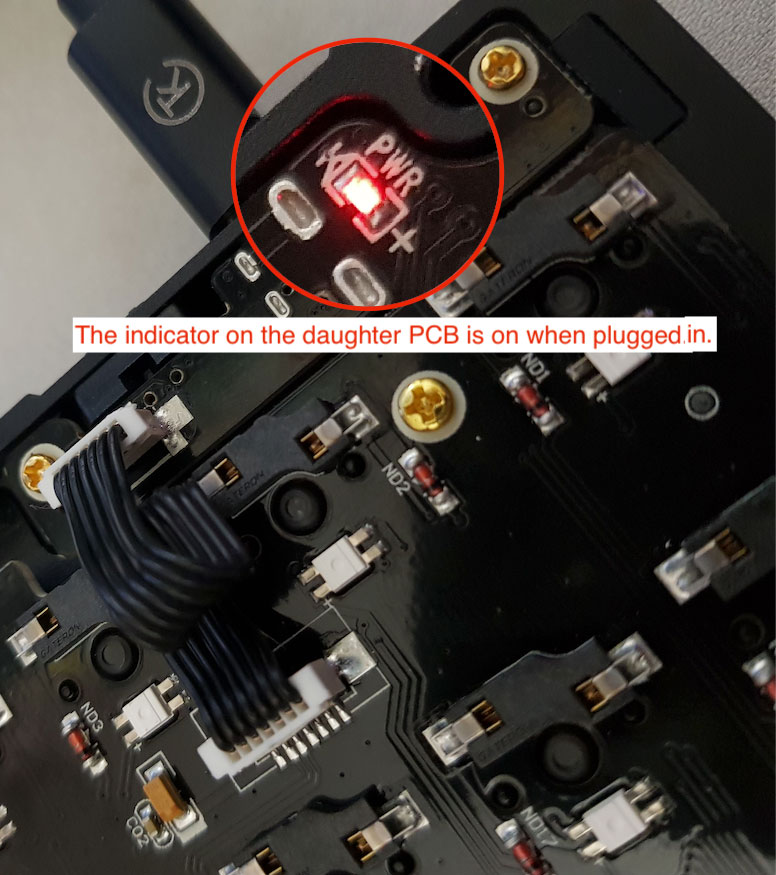
a)The indicator on the daughterboard is on.
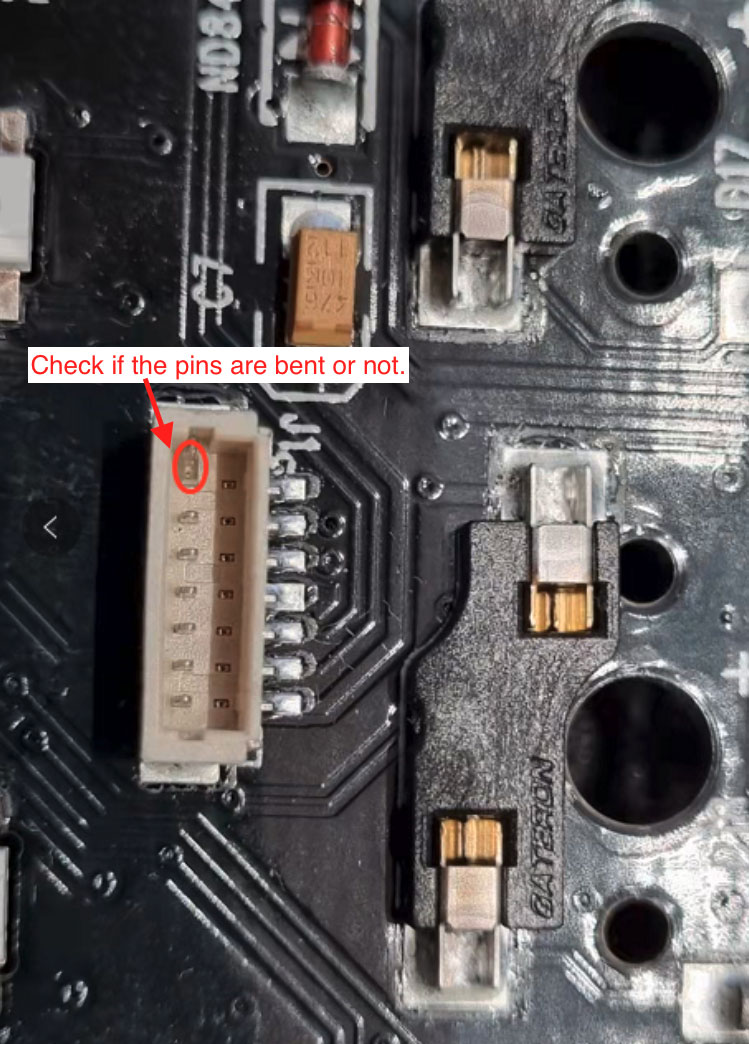
The daughterboard should not have any problem if the light is red when plugged in. Otherwise, you need to check the pins on the motherboard and daughterboard. If they are bent, please straighten them back to normal and then see if the keyboard works again.
If there is no bent or light on, you need to contact us at support@keychron.com with a video or photos showing the problem. We will check it out and try our best to help you with your problem.
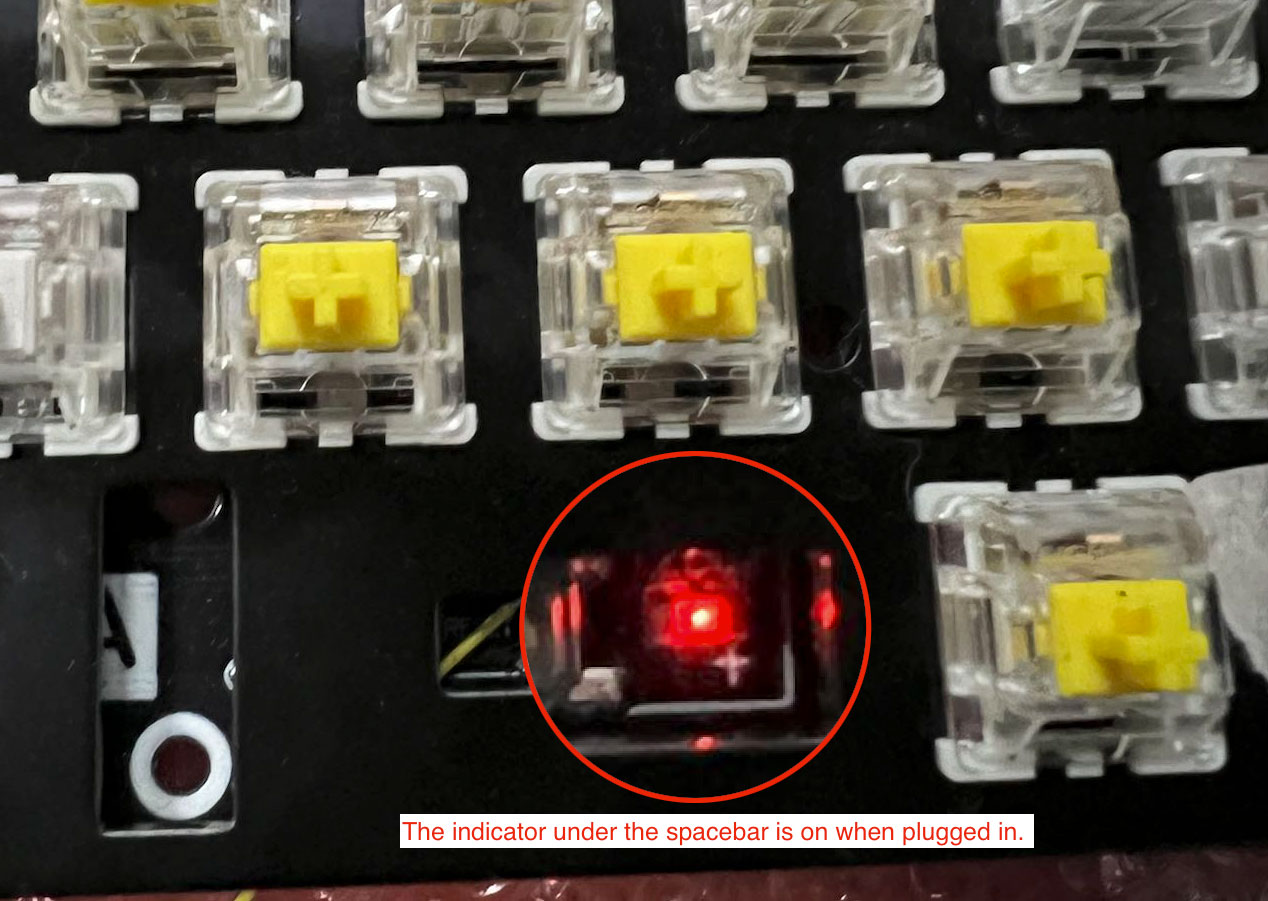
b)The indicator light under the space bar is on. The motherboard doesn't have a problem if the light is red when plugged in. Otherwise, you need to contact us at support@keychron.com with a video or photos showing the problem. We will check it out and try our best to help you with your problem.